

 0
0
 0
0
Random video chat sites have exploded in popularity over the past decade. Platforms like Omegle and its many alternatives connect millions of users daily for spontaneous conversations with strangers. But here’s what most people don’t realize: every time you join a video chat session without protection, you’re handing over your real IP address, approximate location, and device information to strangers and platforms alike. If you’re serious about protecting yourself online in 2026, using a VPN for random video chat sites is no longer optional—it’s essential.
Why You Need a VPN for Video Chat
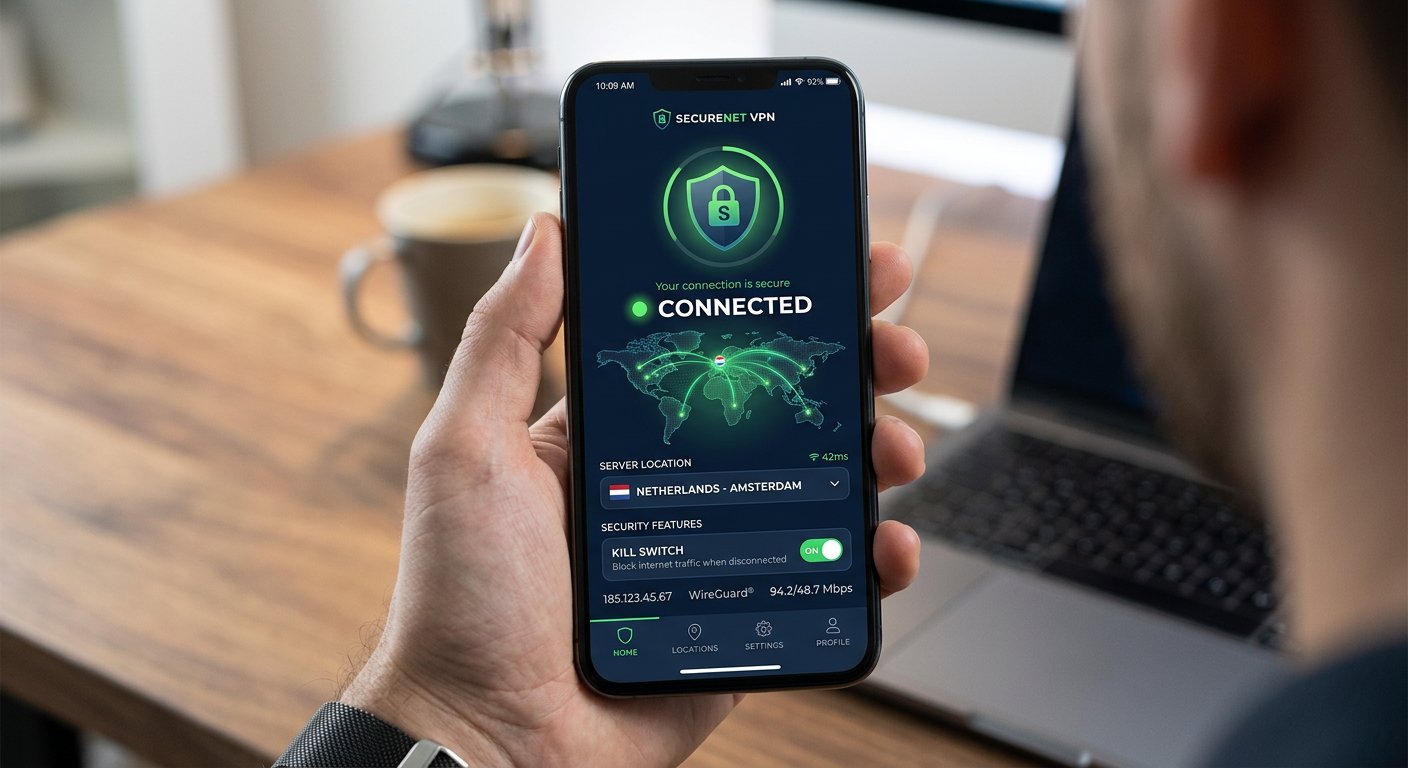
A Virtual Private Network creates an encrypted tunnel between your device and the internet. When you connect through a VPN, your real IP address gets hidden and replaced with one from the VPN server’s location. This means the platform you use sees the VPN’s IP address, not yours. Anyone attempting to track your real location hits a dead end.
According to how IP addresses work, your unique internet protocol address functions like a digital return address—it tells every website and service exactly where you’re connecting from unless you actively mask it through tools like a VPN.
What Without VPN Looks Like
When you access Omegle alternatives without protection, here’s what happens in the background:
- Your real IP is logged — The platform records your connection IP and timestamp
- Your ISP sees everything — Your internet service provider knows you visited the site
- Other users can potentially capture your IP — Through WebRTC leaks or direct connection methods
- Your location can be narrowed down — IP geolocation typically accuracy within a city block
- Your connection is unencrypted — All traffic travels in plain text, readable by anyone intercepting it
Many random chat platforms retain this data for months or years, making it available to law enforcement requests, data brokers, or anyone else who gains access through legal or illegal means. According to research by the Electronic Frontier Foundation, data retention practices by chat platforms can expose users to significant privacy risks.
Top VPNs for Omegle Alternatives (Tested 2026)
Not all VPN providers are suitable for video chat use. After testing dozens of options specifically for random chat platforms, here are the ones that actually performed well for streaming, low latency, and privacy protection.
#1 NordVPN — Best Overall
NordVPN consistently ranks at the top for video chat privacy for several reasons:
- Double VPN servers — Route your traffic through two encrypted servers for extra protection
- Onion over VPN — Layer your connection through the Tor network for maximum anonymity
- Zero-logs policy — Independently audited multiple times, proven in court
- Threat Protection — Blocks trackers and malicious links commonly found on chat sites
- 10Gbps servers — Fast enough for smooth video chat without freezing
The proprietary NordLynx protocol (built on WireGuard) delivers excellent speeds while maintaining military-grade encryption. For anyone serious about privacy on random chat sites, NordVPN is the clear choice in 2026.
#2 Surfshark — Budget Option
Surfshark offers excellent features at a lower price point:
- Unlimited devices — Protect every device in your household with one account
- CleanWeb — Built-in ad and malware blocker
- Camouflage mode — Makes VPN traffic look like regular HTTPS traffic
- MultiHop — Connect through two countries for extra privacy
- NoBorders mode — Bypasses internet restrictions in restrictive countries
For users who want solid privacy protection without breaking the bank, Surfshark delivers premium features at a fraction of the cost of competitors. Its recent improvements to speed and server network have made it a viable option for video chat use.
#3 Mullvad — Maximum Privacy
Mullvad takes a radically different approach to privacy:
- Anonymous accounts — No email required, just generate an account number
- Accepted payment methods — Cash, cryptocurrency, bank wire—no traceable payment data
- Open-source applications — Full transparency in how the software works
- Port forwarding — Useful for improving connection speeds
- Minimal data retention — Only stores what’s absolutely necessary for service operation
For users who prioritize absolute anonymity above all else, Mullvad’s no-email, cash-accepted model is unmatched. Their reputation in the privacy community is stellar, and their audit results are publicly available.
How to Set Up VPN for Video Chat
Getting your VPN configured for random video chat takes less than 15 minutes. Follow this step-by-step guide to ensure you’re properly protected before your next session.
Step 1: Choose and subscribe to a VPN
Select one of the providers above and create an account. Use a throwaway email address if maximum anonymity is your goal. Subscribe using cryptocurrency or cash mail for additional privacy.
Step 2: Download and install the app
Get the official app directly from the provider’s website—never from third-party sources. Install it on your primary device and any secondary devices you use for video chat.
Step 3: Enable kill switch
Before connecting, go into settings and enable the kill switch. This feature cuts your internet connection if the VPN drops unexpectedly, preventing your real IP from being exposed during the fallback period.
Step 4: Select a server location
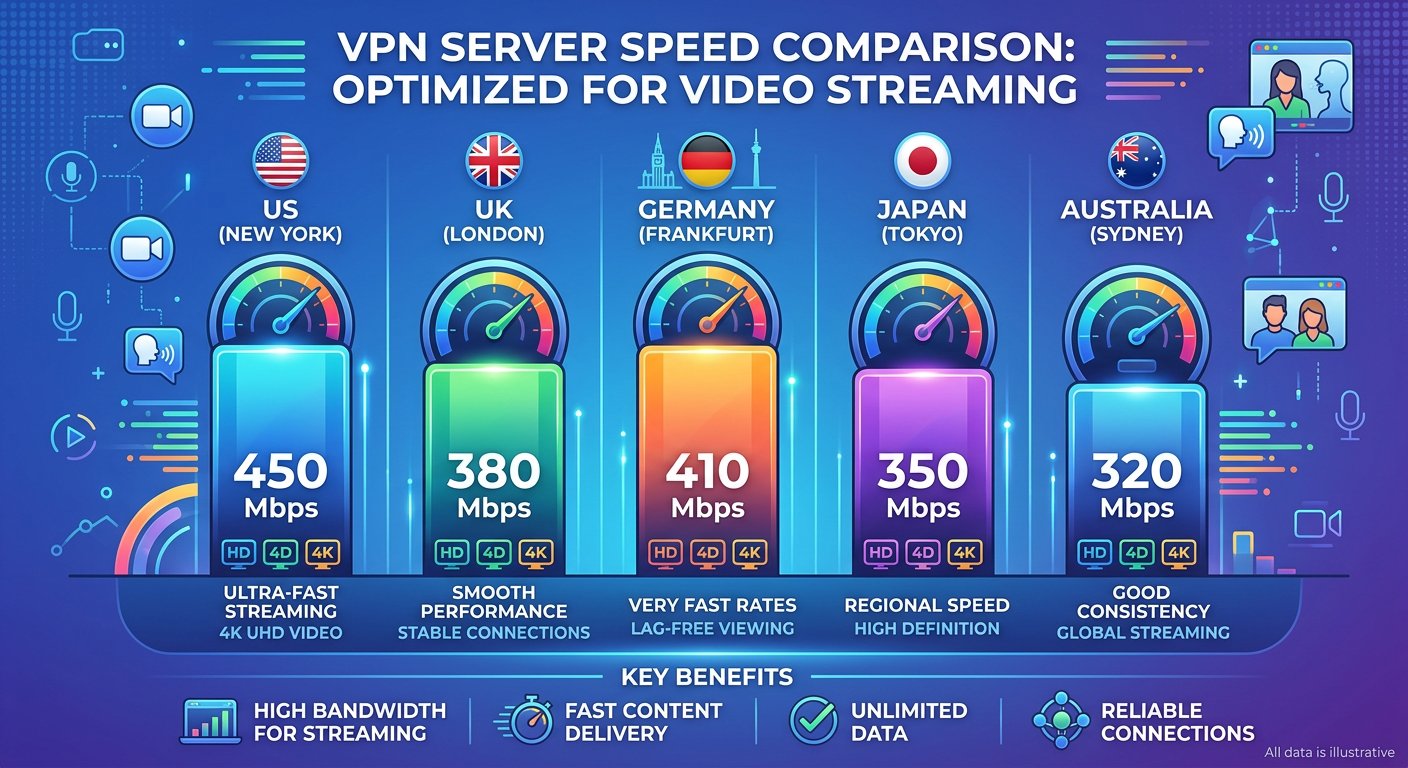
Choose a server in a country different from your own. For video chat platforms, look for servers optimized for streaming or P2P traffic—these typically offer the best speeds and lowest latency.
Step 5: Test your connection
Before opening any video chat site, verify your protection:
- Visit ipleak.net to confirm your IP is hidden
- Check for DNS leaks at dnsleaktest.com
- Verify WebRTC isn’t exposing your real address at browserleaks.com
Step 6: Open your browser in incognito mode
For additional protection, use your browser’s private or incognito mode when accessing video chat sites. This prevents cookies and local browsing history from being stored.
Common VPN Mistakes to Avoid
Using a VPN incorrectly can give you a false sense of security. Here are the most common errors people make when trying to protect themselves on random chat sites.
Mistake #1: Using a free VPN
Free VPN providers have to make money somehow. Many do so by collecting and selling your data, injecting advertisements, or limiting bandwidth. The privacy implications of using a free service defeat the entire purpose of protecting yourself. As the Electronic Frontier Foundation warns, free services often monetize through data collection practices that compromise user privacy.
Mistake #2: Ignoring the kill switch
If your VPN connection drops and the kill switch isn’t enabled, your real IP becomes visible immediately. Many users enable the VPN but forget to activate this crucial safety feature.
Mistake #3: Using the wrong protocol
Old VPN protocols like PPTP have known security vulnerabilities. Stick with OpenVPN, WireGuard, or the provider’s proprietary protocol (like NordLynx) for the best balance of speed and security.
Mistake #4: Connecting to local servers
While connecting to a nearby server gives you better speeds, it also means your IP location will be similar to your actual location. For maximum anonymity on video chat sites, connect to servers in different countries.
Mistake #5: Forgetting to test after updates
After updating your VPN app or operating system, always re-run the leak tests. Updates can sometimes reset settings or change default configurations.
FAQ — VPN for Video Chat
Will a VPN slow down my video chat?
Modern VPN protocols like WireGuard and NordLynx have minimal overhead. With a quality provider and a fast server, you should experience less than 5-10% speed reduction—barely noticeable during video chat sessions. Avoid free VPNs, as they often throttle speeds significantly.
Can I use one VPN account on multiple devices?
Most premium VPNs allow multiple simultaneous connections. NordVPN allows 6 devices, Surfshark allows unlimited devices. This means you can protect your phone, tablet, and computer with one subscription.
Do I need a VPN if the video chat site uses HTTPS?
Yes. HTTPS only encrypts the connection between you and the website—it doesn’t hide your IP address or prevent the platform from logging your real connection details. A VPN encrypts ALL your traffic and masks your IP regardless of the site’s encryption level.
Can video chat platforms detect VPN use?
Some platforms block known VPN IP addresses. Quality VPN providers rotate their IP ranges regularly and offer obfuscated servers that make VPN traffic look like regular HTTPS traffic. Mullvad and NordVPN both perform well against VPN detection systems.
What features matter most for video chat privacy?
Priority features include: no-logs policy, kill switch, fast connection speeds, and servers in multiple countries. Additional features like ad blocking, DNS leak protection, and multi-hop connections are bonuses that enhance your overall security posture.
Is it legal to use a VPN for video chat sites?
VPNs are legal in most countries. However, some countries restrict or ban VPN usage entirely. Always check local regulations before traveling. Using a VPN to access video chat platforms is generally legal in the US, UK, Canada, Australia, and most of Europe.
Further Reading
If you’re looking for comprehensive testing results of VPN performance across multiple random chat platforms, consider exploring our complete guide to privacy on Omegle alternatives where we evaluate each platform’s data retention policies and security features in detail.